
How to Manage Your Brand Deals as a Creator with Rella
Managing brand deals can get overwhelming, but with Rella, you can track pitches, store contracts, organize approvals, and schedule content in one place. Say goodbye to scattered emails and spreadsheets—this guide walks you through the best way to manage sponsorships efficiently.

How to Run and Manage Influencer Campaigns with Rella
Managing influencer campaigns doesn’t have to be overwhelming. With Rella, you can streamline influencer outreach, track content submissions, manage approvals, and generate performance reports—all in one place. Say goodbye to scattered emails and messy spreadsheets and hello to a seamless, organized workflow. Whether you’re a brand, agency, or social media manager, this guide will walk you through the best way to run and manage influencer campaigns efficiently.

How to Onboard Clients with Rella
Tired of messy onboarding processes and scattered files? With Rella, you can effortlessly onboard clients, collect assets, store branding materials, and manage approvals—all in one place. No more endless email threads or lost documents! This guide walks you through how to set up an onboarding workflow, share key materials with clients, and transition seamlessly into content planning. Save time, stay organized, and impress your clients with a smooth onboarding experience.

How to Install Rella
Install Rella and enable push notifications on your phone or tablet today! We've released Rella as a PWA to provide a fast and secure on the go experience without requiring an app store download.

Understanding Member Permissions
When you invite new members to your Organization, you’ll be asked to assign their role- admin, manager, or editor…
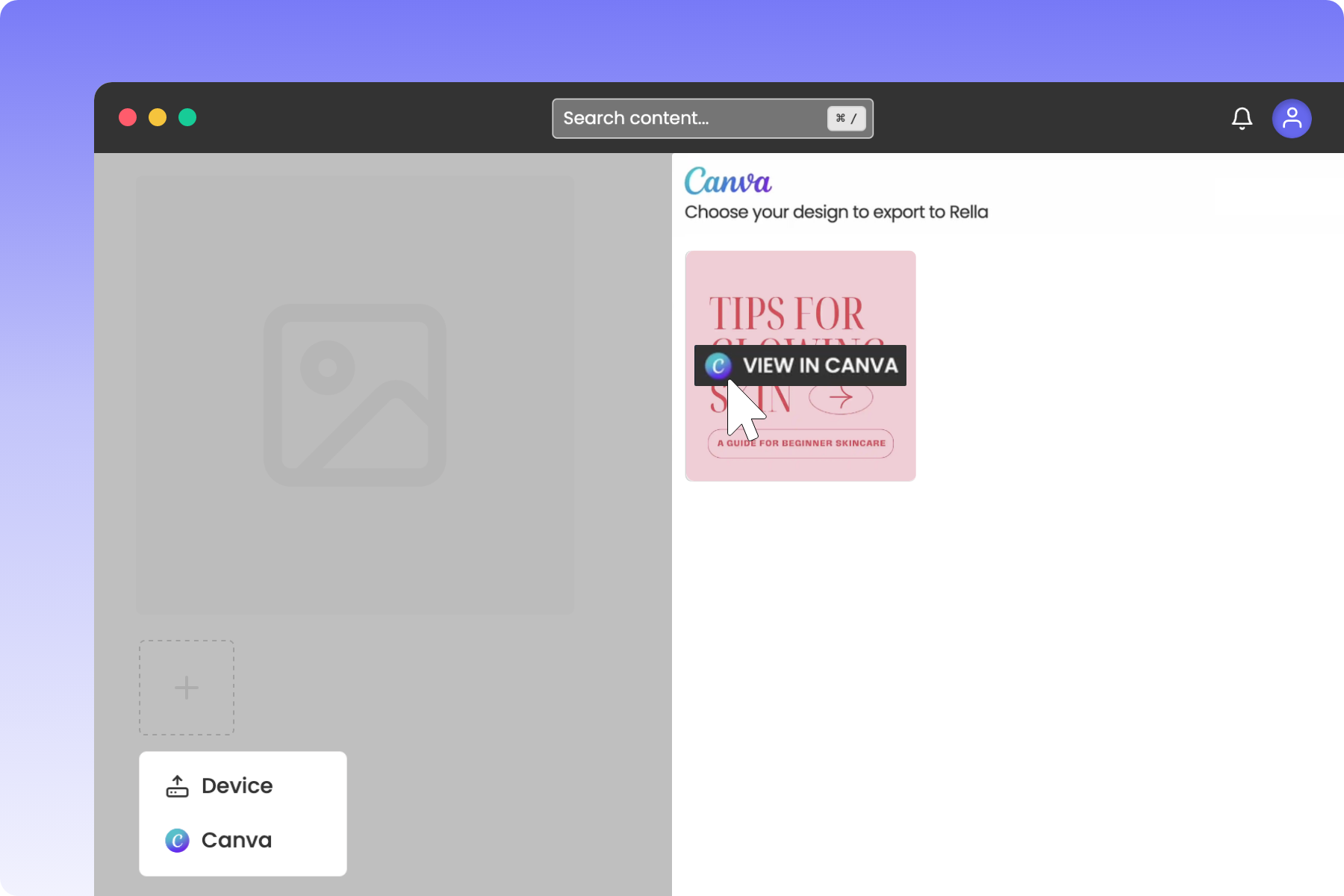
Import Canva Designs
Link your Canva account and instantly export graphics into Rella to eliminate the extra steps of downloading and uploading media.
Collaborate with Team Members
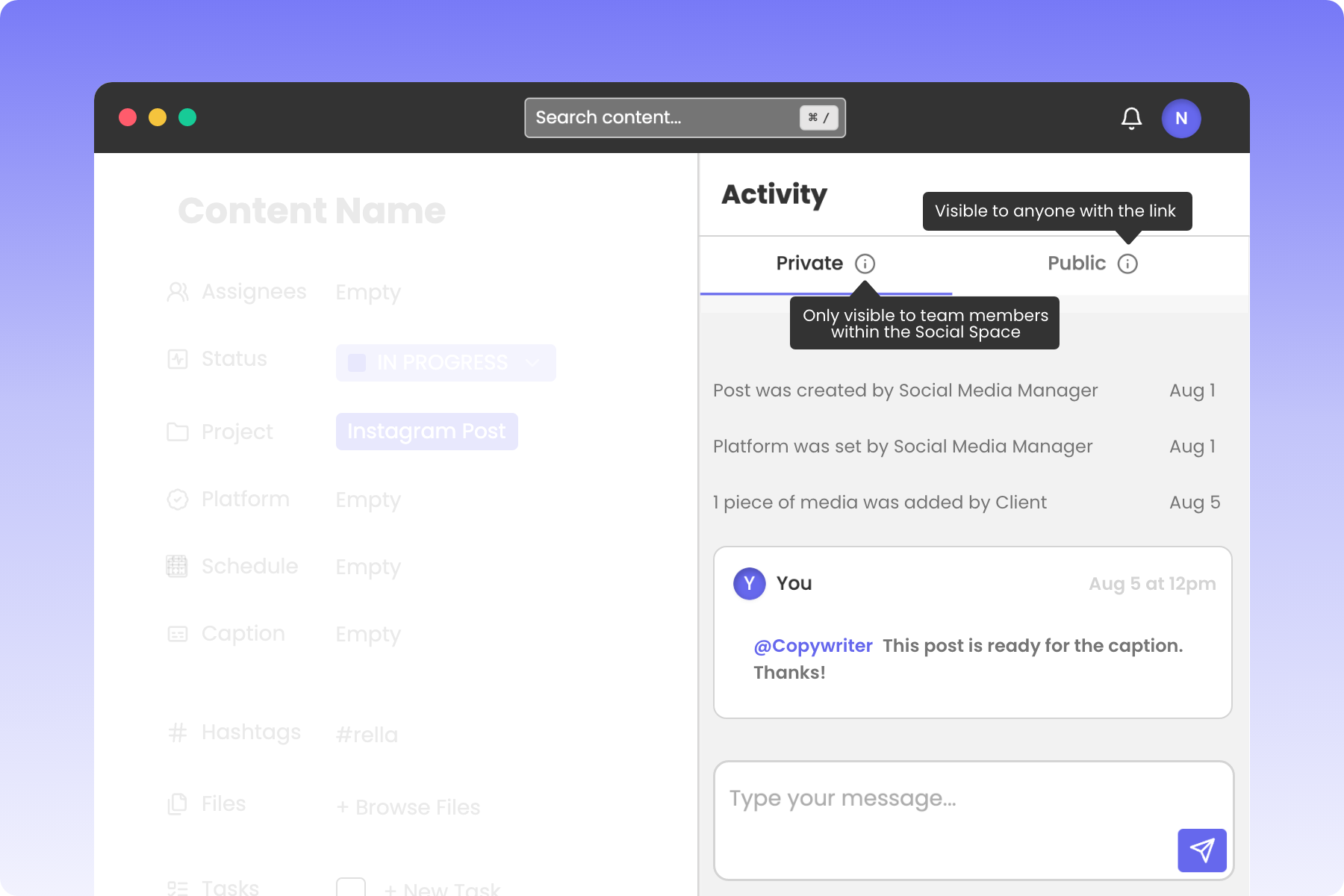
Rella’s Activity Log is designed for you to view important edits and communicate with team members. Use the “@” to tag team members in comments.

Store Relevant Files
The Files section on Rella is where supporting assets will live. Upload mood boards, reference documents, or even raw video footage to assist you during the planning process!
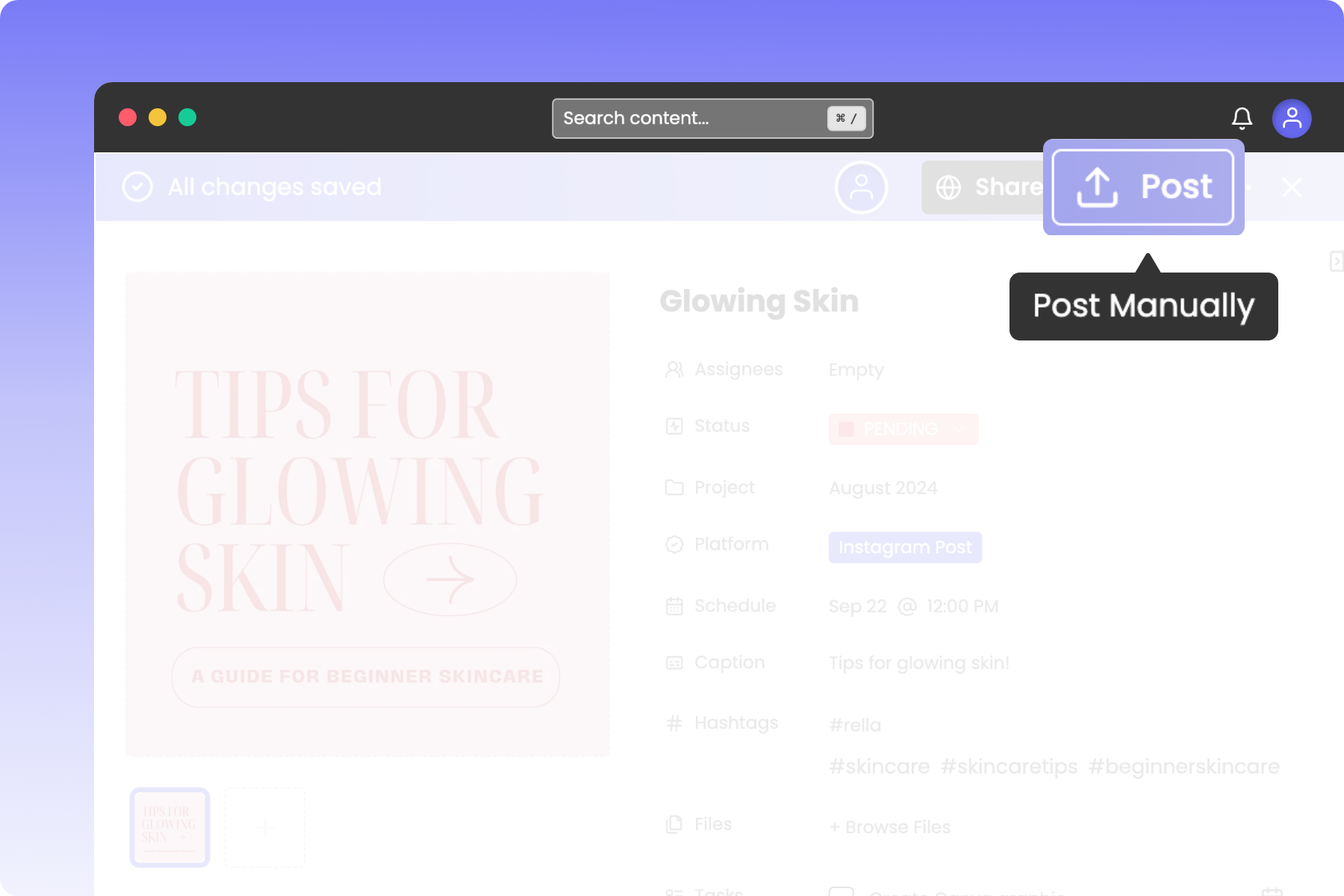
Schedule Content to Post Natively
Post manually as an auto posting alternative! Rella will automatically download your media and copy your captions/hashtags.
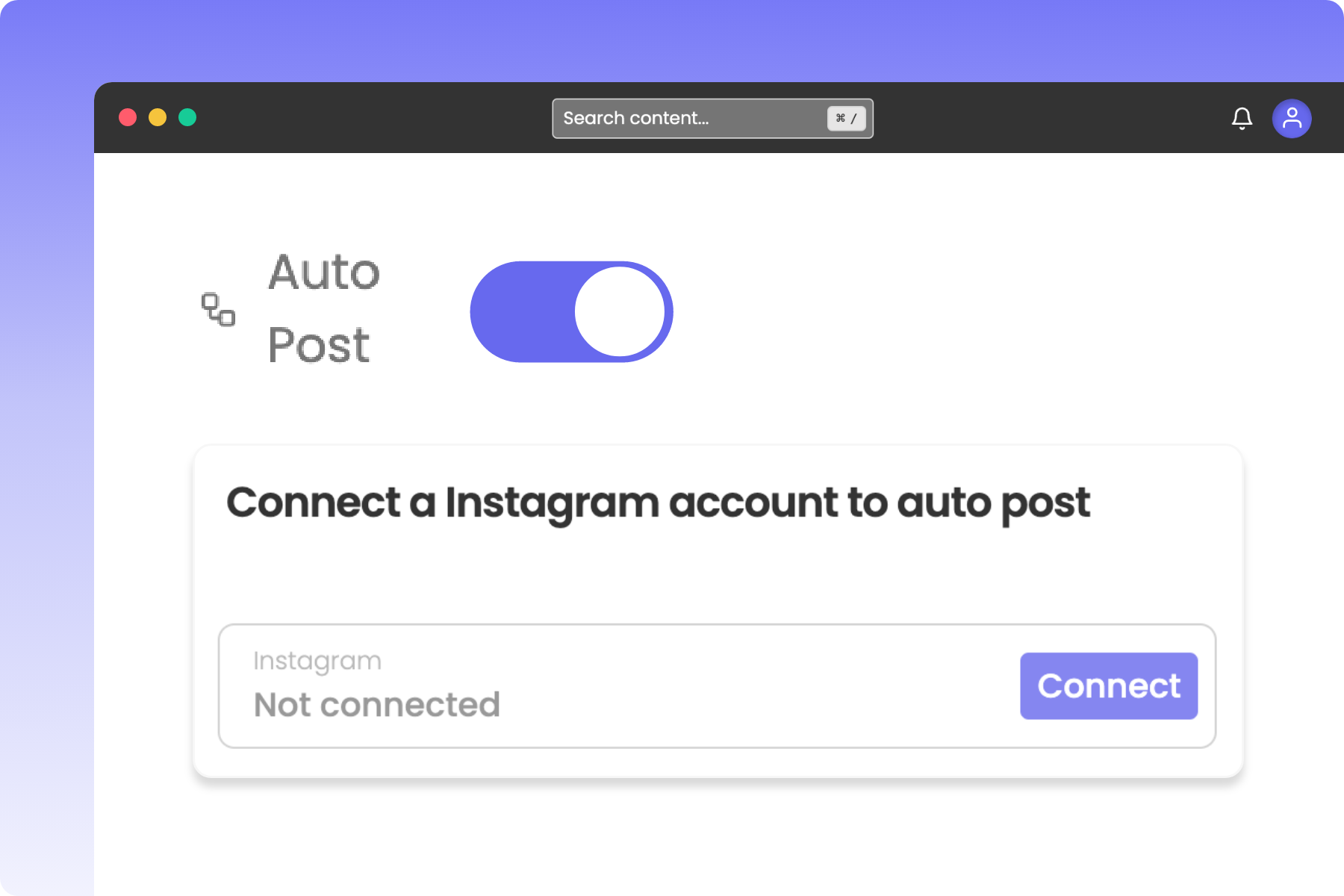
Auto Post to Multiple Platforms
Social linking on Rella is designed to help you save time, automate your workflow, and auto post on available platforms.
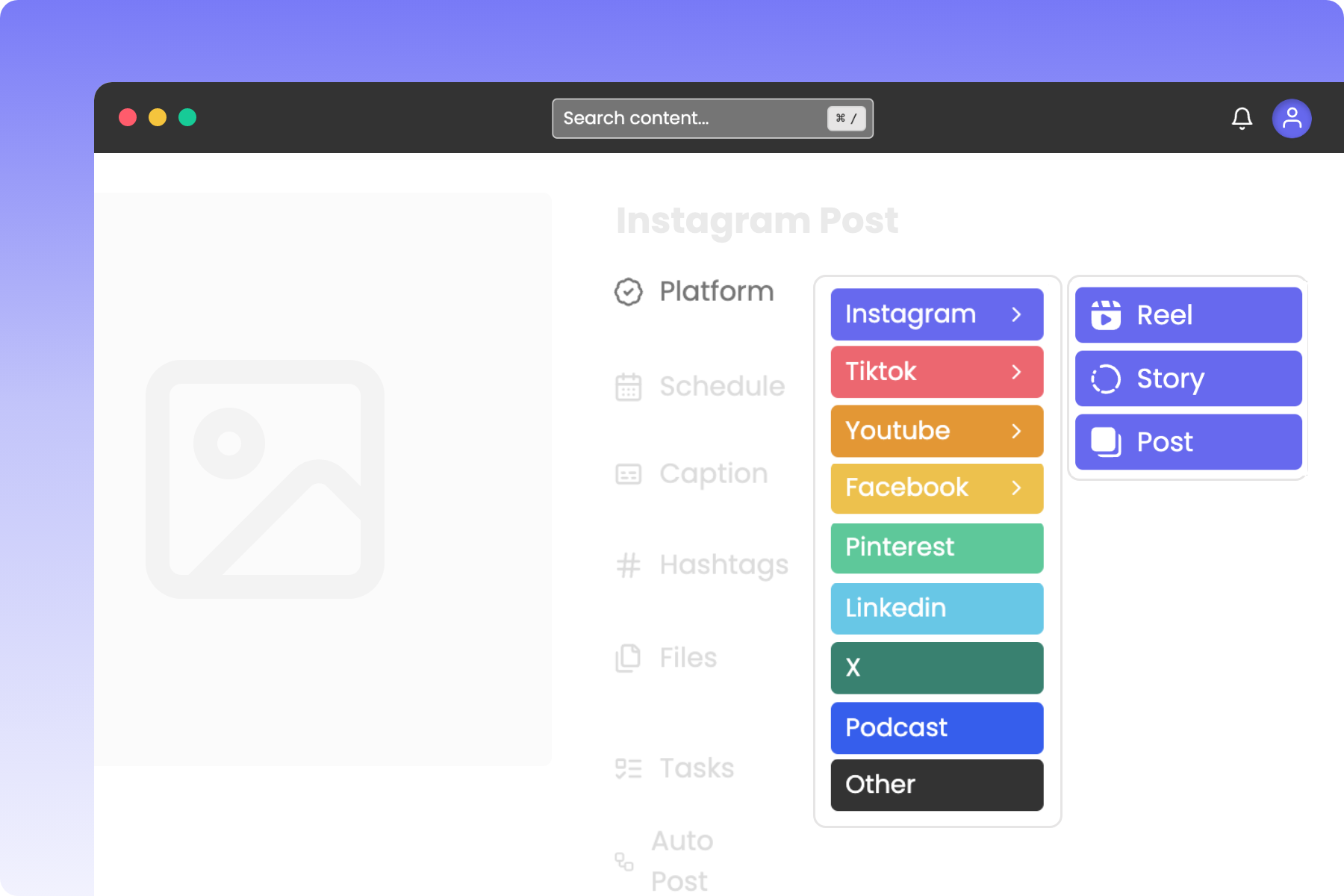
Supported Social Platforms
Plan posts for Instagram, Facebook, TikTok, YouTube, Pinterest, LinkedIn, Twitter, & Threads. Use “Other” for content not associated with a supported platform.


Plan & Schedule Content
Invite assignees, update statuses, attach a project, add a platform, schedule posts, upload files, add tasks, and communicate with team members or clients.

Preview Instagram Feed
Preview, re-order, and align your feed with your brand on Instagram with ease. Share a Project to allow clients to preview their Instagram grid.

Batch Upload Media to Add to Posts
The Media Library is your centralized hub for all photos and videos. Clear up space on your desktop and mobile devices and batch upload content to Rella.
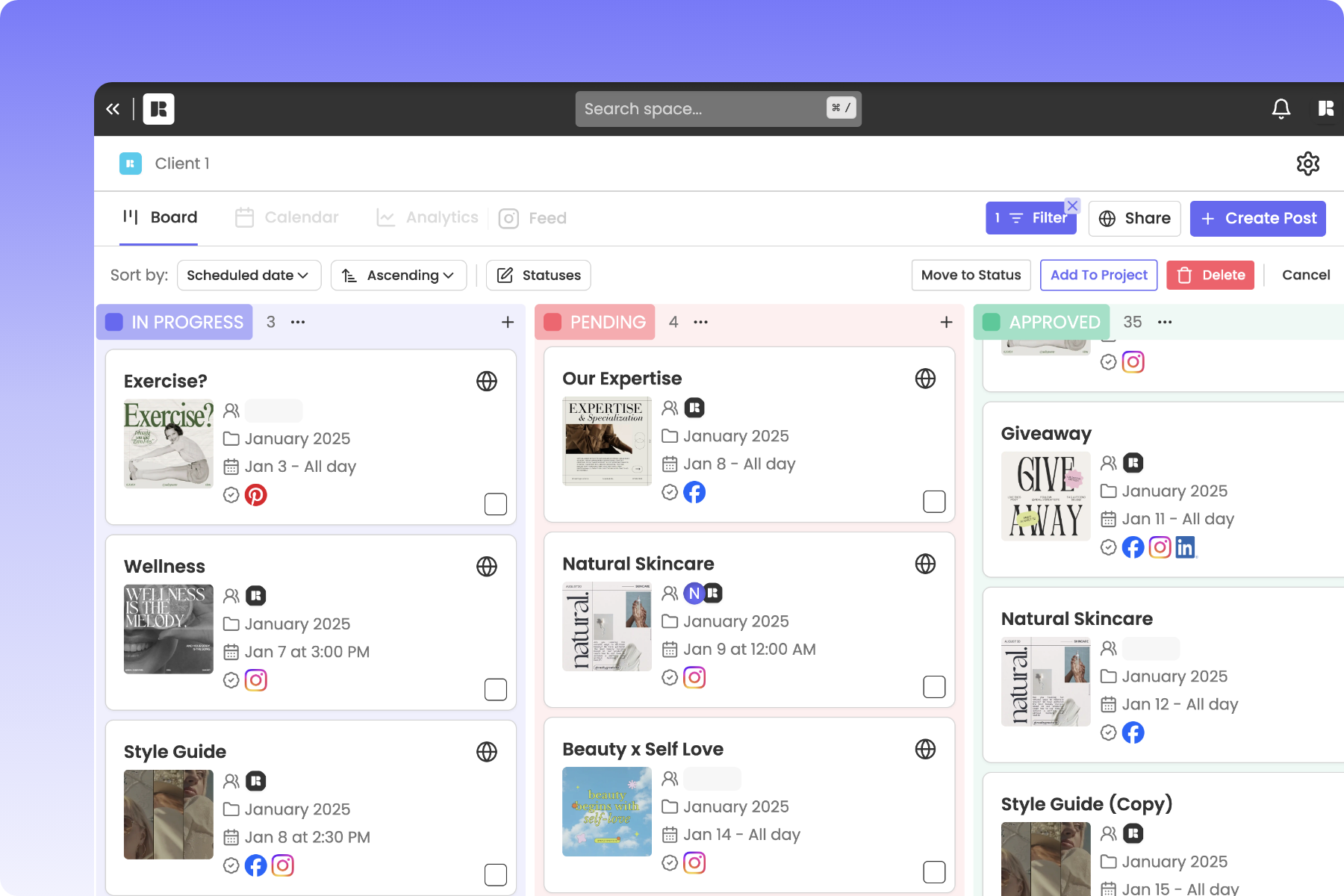
Monitor Content Statuses
Rella’s board view allows you to preview post details and monitor statuses so deadlines are met, quality is maintained, and your Social Spaces can run smoothly!
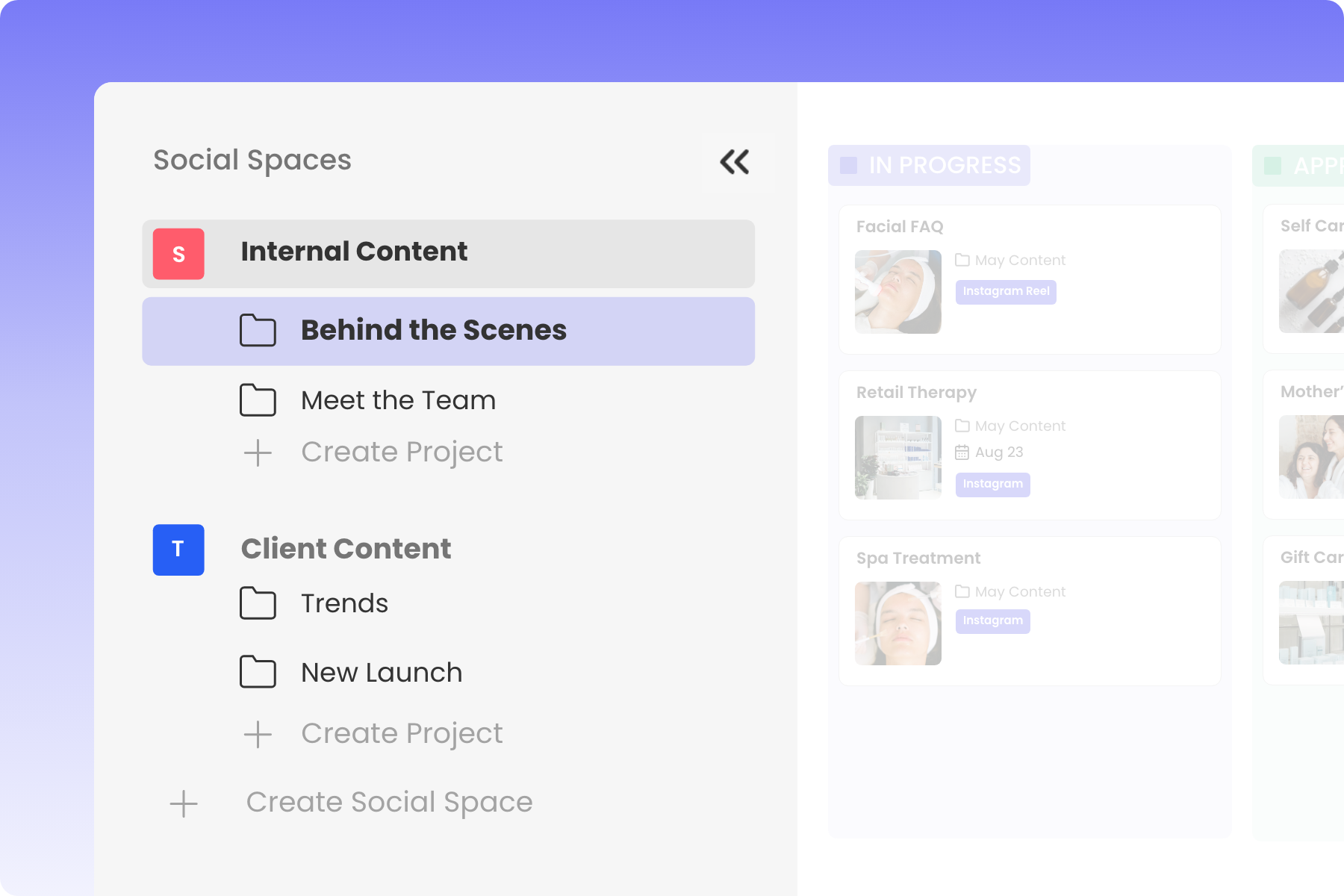
Organize Social Media Projects
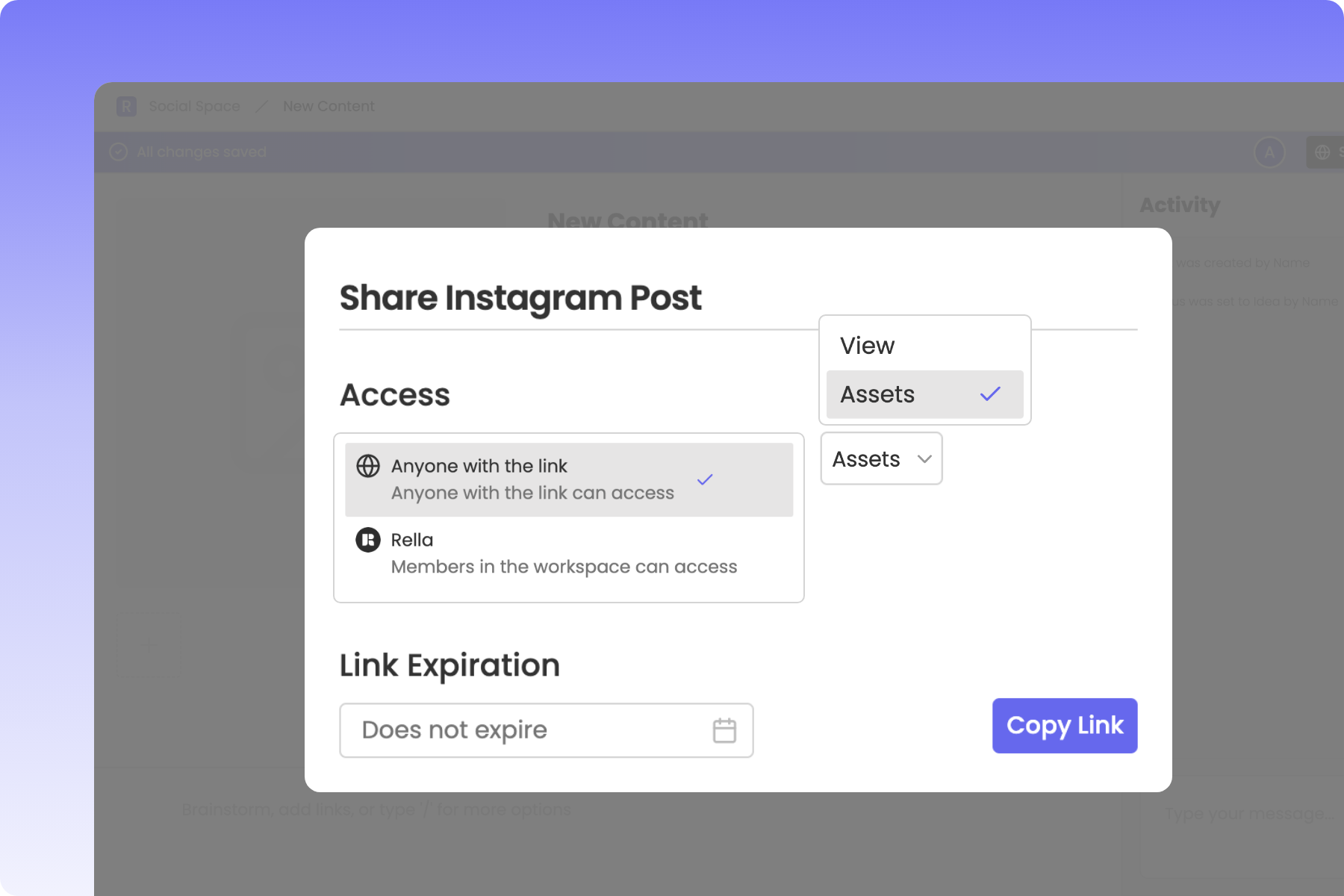
When managing a batch of content it’s helpful to group posts into folders to keep everything organized. You can share an entire Project to receive feedback and approvals from clients.

Manage Content for Multiple Clients
Each Social Space includes its own members list, board view, content calendar, and Instagram feed planner. You can create unlimited Social Spaces under your account!